The original information
locker your phone copied.
PocketBox was conceived in 1978 as a single boxed application for organizing every category of personal data — addresses, schedules, passwords, photos — behind one password-locked interface. Two decades before smartphones existed, PocketBox had already defined the icon grid, the preview array, the instant search, and the lock screen.
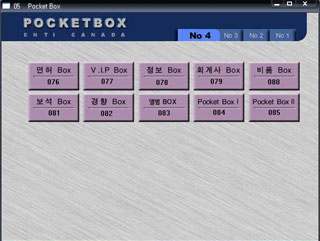
One box, every kind of information.
PocketBox is a literary work first envisioned in 1978: an application combination built on top of an operating system, designed so that a person's entire information life — contacts, receipts, schedules, passwords, photographs — could be saved, retrieved, and secured without spatial or temporal constraint.
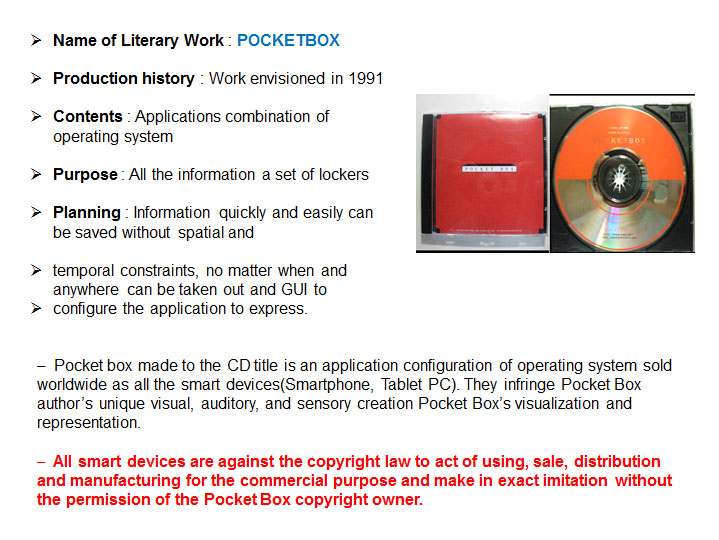
Name of literary work: POCKETBOX. Production history: work envisioned in 1978. Contents: an application combination built on an operating system. Purpose: all of a person's information held in one set of lockers.
The planning behind PocketBox was simple: information should be saved quickly and easily, without spatial or temporal constraint — retrievable no matter when or where, through a graphical interface built to express that structure visually.
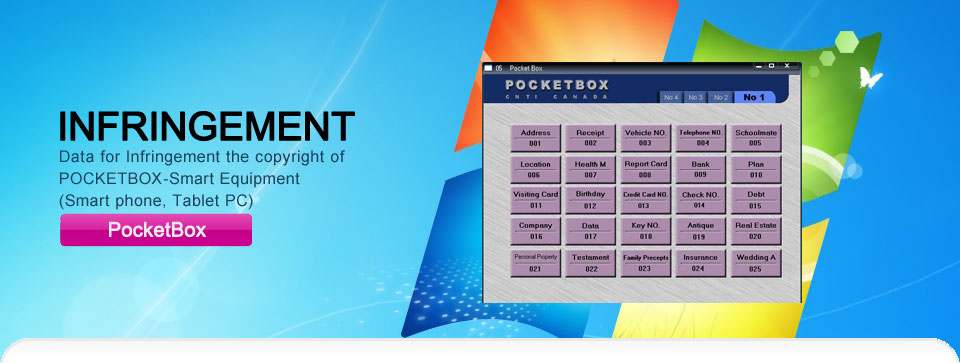
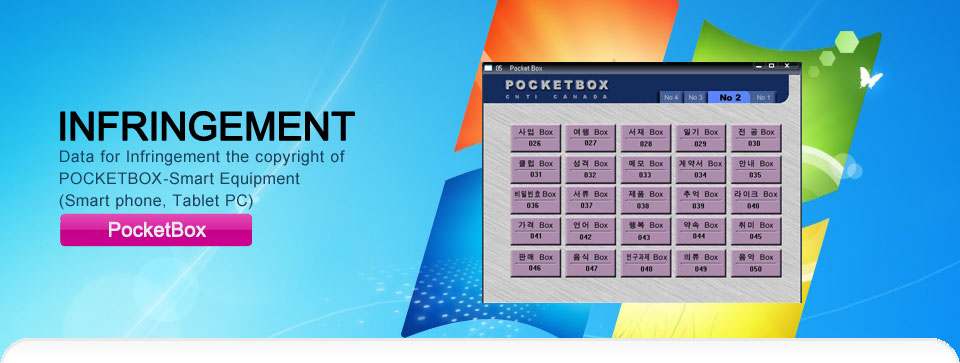
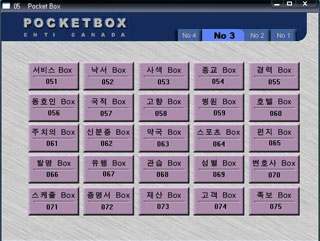
Every category of personal record was organized as a numbered "Box" inside a single window — from Address (001) and Schedule (008) to Bank (009), Testament (022), and Real Estate (020) — years before a home screen of app icons became the default way to organize a personal device.
Eleven exhibits, one origin.
Each entry below places a PocketBox screen from 1978–2011 beside the equivalent convention now standard on smart devices. The docket numbering mirrors how each exhibit was filed.
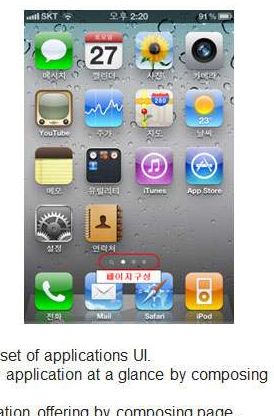
A page-based screen lets a set of application shortcuts move between views, so the overall configuration of the application can be seen at a glance — the same paging convention later used to compose a device's home screens of notes, music, contacts, and photos.
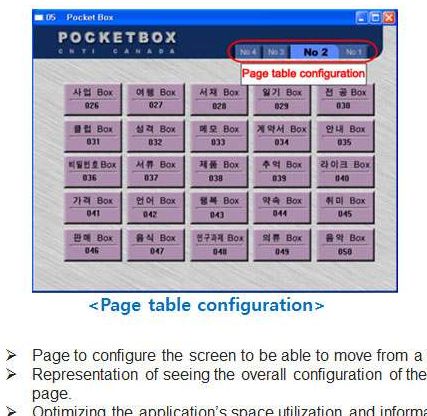
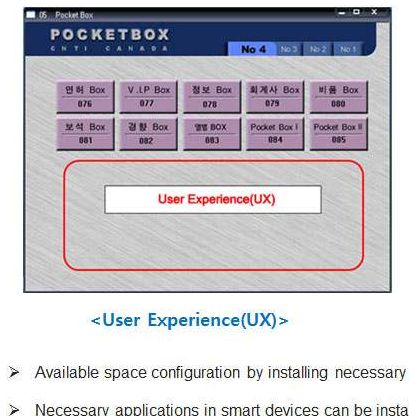
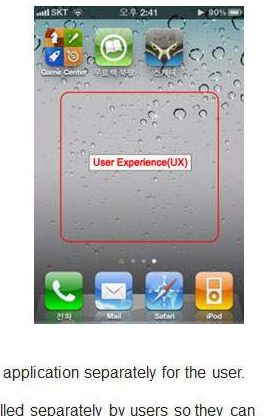
Available space is configured by installing only the applications a person needs, letting each user add and arrange pages around their own empty space and convenience — the same freedom to rearrange icons across a device's screens.
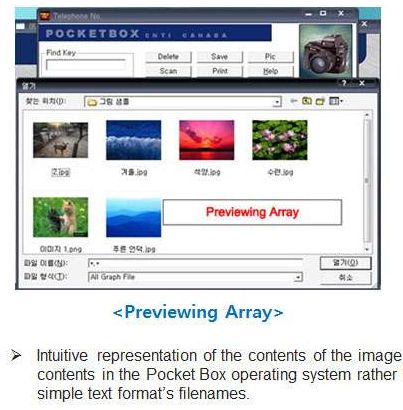
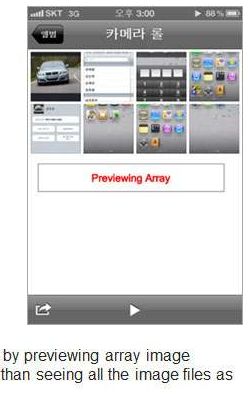
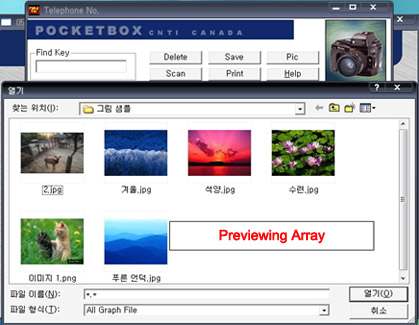
Rather than listing files as plain text filenames, PocketBox renders the contents of an image folder as a live array of thumbnails — an intuitive preview used today across a device's photos, contacts, music, and albums.
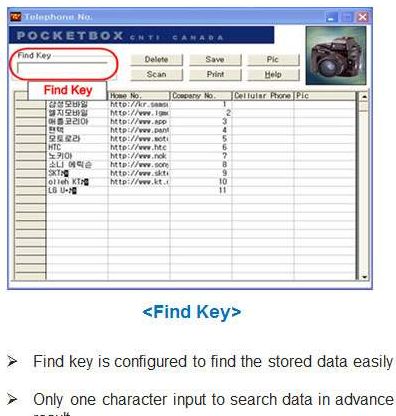
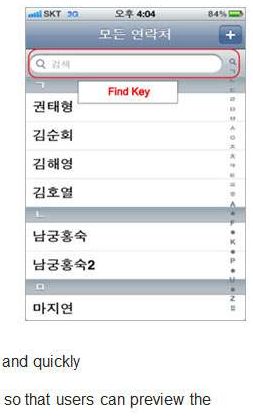
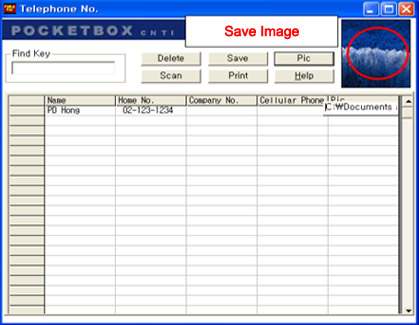
A single character typed into the Find Key field narrows the stored records instantly, letting a user preview the result before finishing the query — the same incremental, type-ahead search behavior built into every modern contacts app.
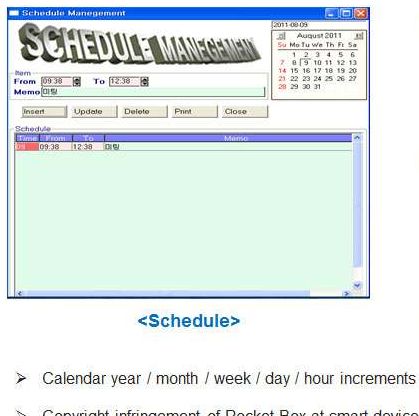
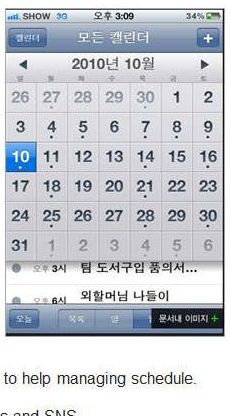
Year, month, week, day, and hour increments help manage a schedule inside PocketBox's own calendar tool — the same time-block structure carried into every modern calendar application.
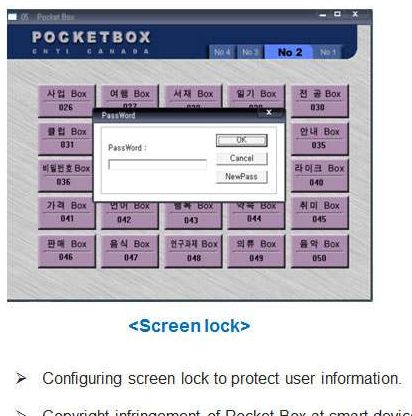
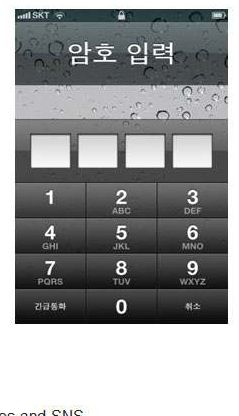
A password prompt configured at the box level protects a user's stored information before it can be opened — the same password gate that now sits in front of every modern device's home screen.
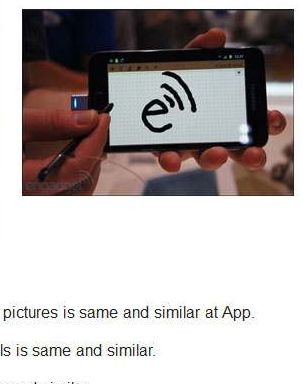
A built-in paint tool lets a user draw and save pictures as image files directly inside PocketBox — the same drawing-and-save configuration found in a modern device's sketch and note apps.
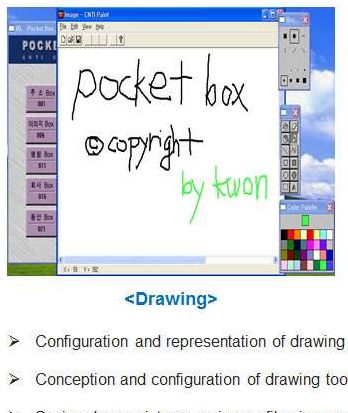
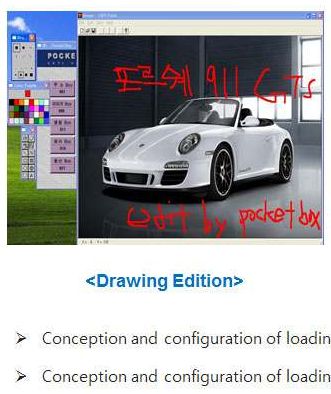
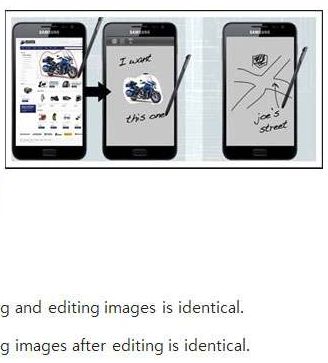
Images can be loaded into the paint tool and edited directly, then saved back out — the identical load-edit-save loop used when a modern device lets a person mark up a photo before sharing it.
Inside the original PocketBox.
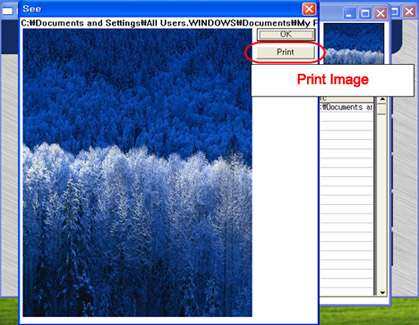
A closer look at the boxed application as it shipped — four index screens, the telephone directory, and the print and save tools built into every record.
From boxed CD-ROM to every pocket.
PocketBox envisioned
The literary work is conceived: one boxed application, fifty numbered information categories, a single interface.
CD-ROM release
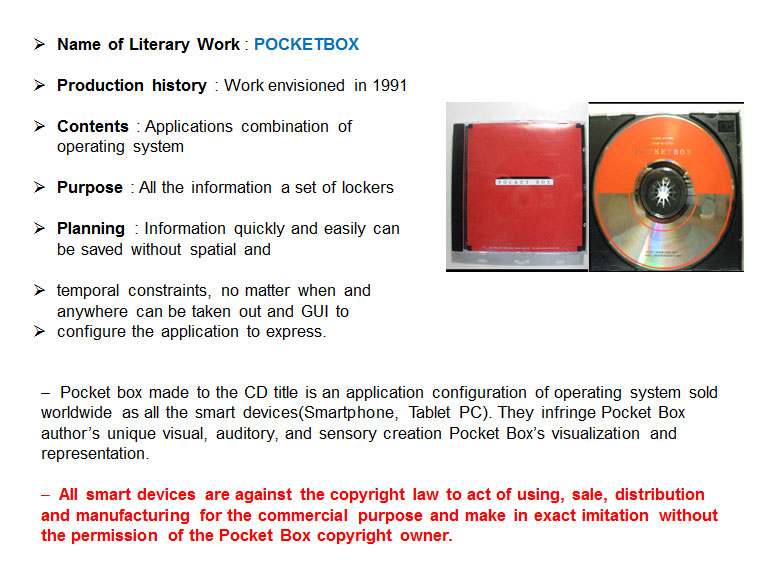
PocketBox ships as a CD title under CNTI Canada, running as an application configuration on top of the desktop operating system.
Smart devices adopt the pattern
Icon-grid home screens, live preview arrays, instant search, schedule tools, drawing tools, and password lock screens become standard across phones and tablets.
The docket is filed
CNTI Canada documents and pursues recognition of PocketBox's original authorship across these conventions.
Talk to CNTI Canada about PocketBox.
Whether you represent a device manufacturer, a legal team, or the press, we can walk you through the full evidence docket and discuss licensing the PocketBox intellectual property.
Before you reach out.
PocketBox is a boxed desktop application, first envisioned in 1978 by CNTI Canada, that organizes a person's entire information life — contacts, schedules, passwords, images, and more — inside a single password-protected interface of numbered "boxes."
CNTI Canada documents specific interface conventions — page-based icon grids, preview arrays, incremental search, schedule tools, drawing tools, and screen locks — that appeared in PocketBox years before they became standard on smart devices.
The docket above shows the documented exhibits. For source files, dated registrations, or legal documentation, use the licensing and inquiries form to request access.
Yes. CNTI Canada is open to discussing licensing terms with device manufacturers and platform providers — reach out through the form above.